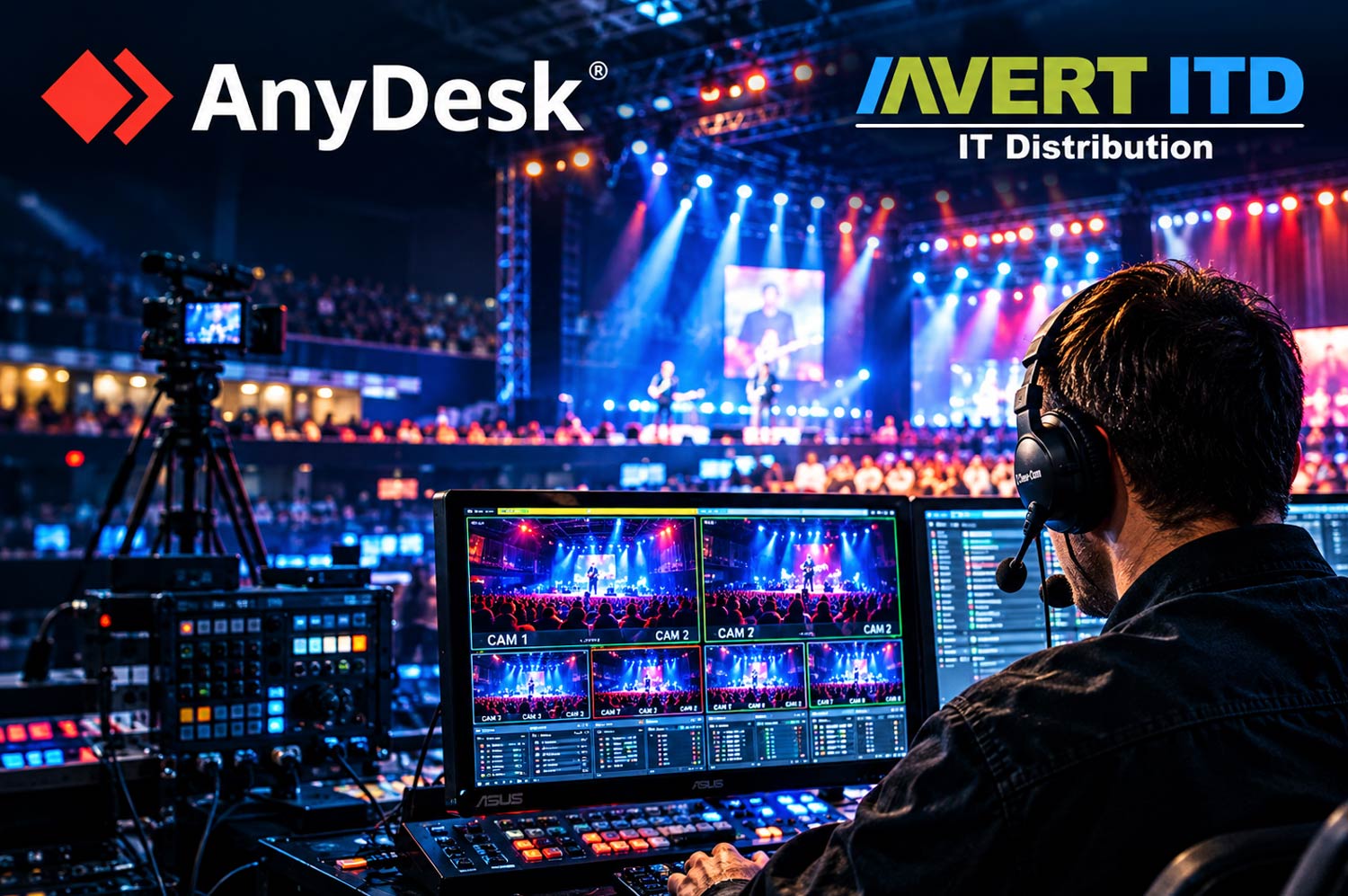
From live sports broadcasts to branch offices and industrial environments, remote support helps businesses connect the right expertise to technical problems without waiting for a specialist to arrive on site.
In a live event, there is little room for technical delays. A camera system needs an adjustment, a production application stops responding or a configuration issue threatens to interrupt a broadcast. The people on site may understand the equipment, but the specialist who knows the system inside out could be somewhere else entirely.
This is where remote support becomes more than a convenient IT tool. It gives authorised technical experts a way to connect to the systems that need attention, investigate problems and make software-level adjustments while working alongside the people on the ground.
The same principle applies well beyond live events. Across industries, businesses increasingly depend on systems that must remain accessible, reliable and operational, even when the people with the right technical knowledge are not physically present.
Keeping the show on the road – and on the screen
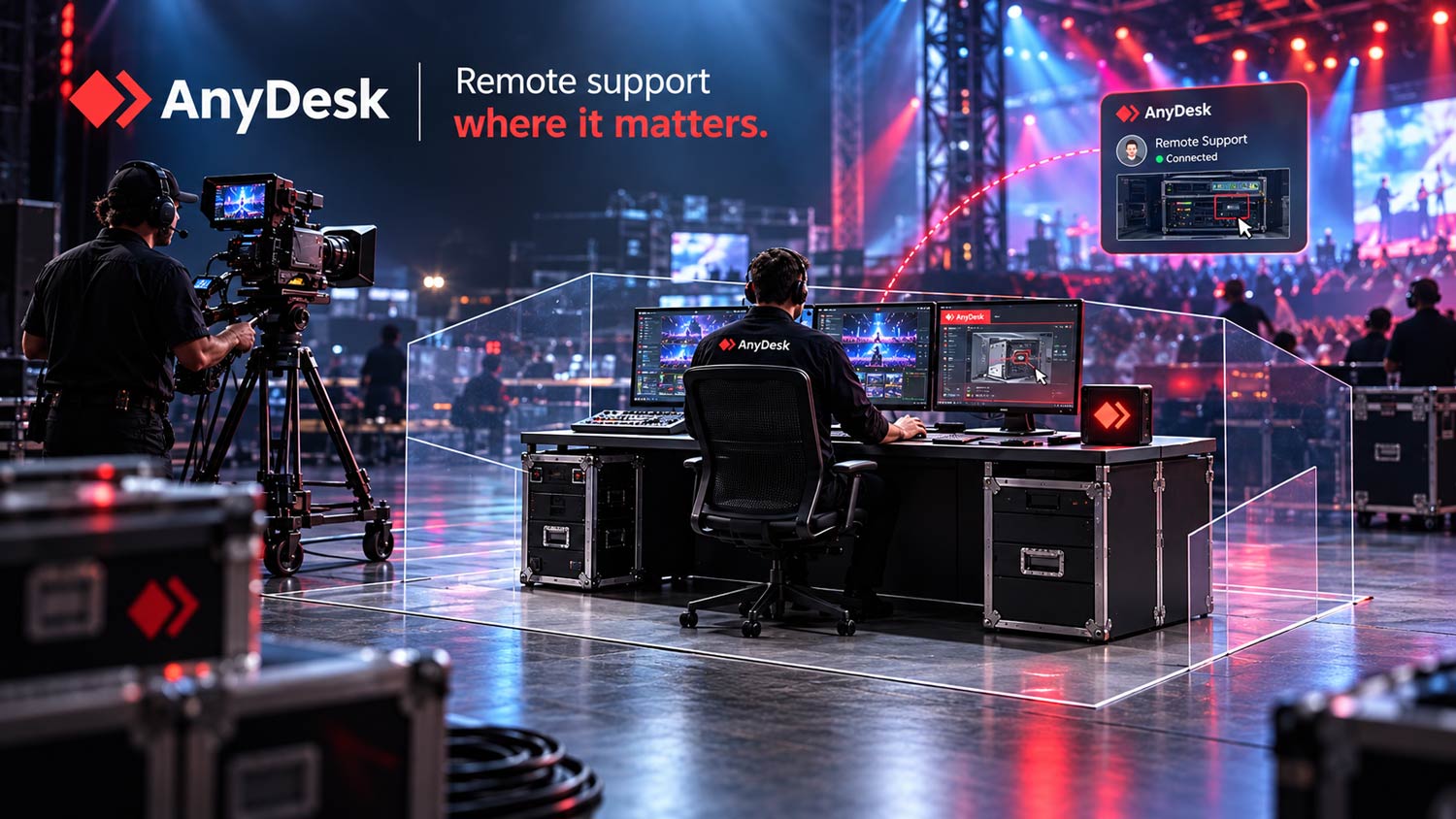
Spidercam, whose camera systems are used at sporting events and shows around the world, illustrates the challenge well. Its technical crews work in demanding live-production environments, where resolving a problem quickly can make a real difference.
When an on-site team encounters an issue it cannot resolve itself, support may need to come from an engineer in another location. Sending someone to the venue is not always practical when time is limited.
Spidercam uses AnyDesk to connect technicians to the affected systems remotely. Engineers can work on the relevant computer, investigate settings and fine-tune configurations while the local crew continues handling the physical equipment.
According to AnyDesk’s case study, Spidercam’s engineers can respond within 30 minutes. The company also highlighted improved performance compared with its previous solution, with high refresh rates and low latency helping technicians work smoothly on remote computers.
The lesson extends beyond broadcasting: remote support can bring specialist knowledge to the point where it is needed, without requiring every expert to be physically present.
The same challenge exists across the business world
Live events make the value of responsive support easy to understand, but many organisations face similar challenges every day.
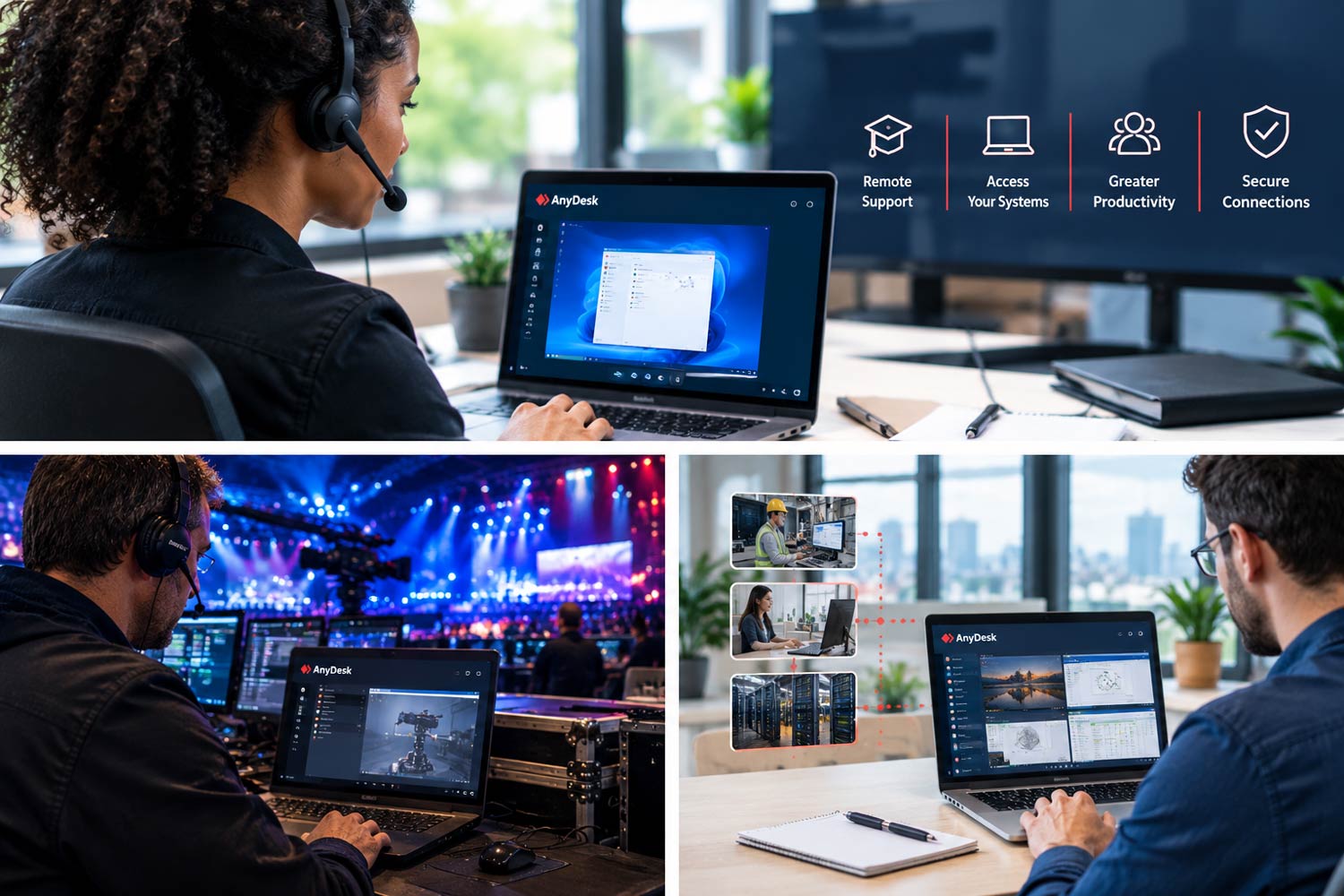
- When a branch office needs help, an IT team may be responsible for users and devices spread across multiple locations. Remote access can allow authorised technicians to investigate application issues, adjust settings and provide assistance without travelling to each site. This can reduce delays and help employees get back to work sooner.
- When operations depend on connected equipment, such as retail point-of-sale systems, digital signage or production workstations, a technical problem can affect more than one employee. Where an issue can be resolved through software or configuration, remote support may reduce the need for an on-site visit.
- When customers need specialist assistance, software providers, equipment manufacturers and managed service providers can connect their technical teams to a customer’s authorised system. This makes it easier to diagnose problems in the environment where they occur, rather than relying entirely on descriptions, screenshots or lengthy exchanges.
- When employees need access to specialist software, remote access can also provide a route to existing workstations and applications from another location. Engineering, design and media teams, for example, may rely on powerful computers or specific software installations that are not easily replicated on every device.
In each case, the underlying opportunity is the same: make better use of existing expertise and technology by reducing the distance between the person who can solve a problem and the system that needs attention.
Remote access needs the right controls
Speed is important, but it cannot come at the expense of security. Connecting to business systems remotely requires clear rules about who can access a device, which actions are permitted and how access is managed.
AnyDesk provides capabilities such as Access Control Lists, which can restrict incoming connections to approved AnyDesk IDs, aliases or a company Namespace. Session Permission Profiles allow administrators to define what a remote user can do during a session, while central management tools help organisations administer clients and review session information.
These controls are especially relevant when external service providers or specialists need access to business-critical systems. Organisations should define permissions in advance, apply appropriate authentication measures and ensure that remote access is limited to authorised users and devices.
Remote support also has practical boundaries. A specialist may be able to adjust a camera-control application remotely, for example, but a crew member at the venue is still needed to handle the physical equipment and confirm the result. Effective remote support combines technical expertise at a distance with people who understand the situation on site.
An opportunity for businesses – and channel partners
For businesses, remote support can help reduce avoidable travel, improve response times and make specialist knowledge available across locations. Its value is not limited to fixing computers; it can support the systems and workflows on which day-to-day operations depend.
For resellers and managed service providers, this creates an opportunity to look beyond traditional help-desk requirements. Customers may need support for distributed offices, connected devices, specialist workstations or time-critical production systems. Understanding these needs helps channel partners recommend an appropriate remote-access solution and licensing model.
The starting point is to identify where distance, delays or limited access to technical expertise are affecting operations.
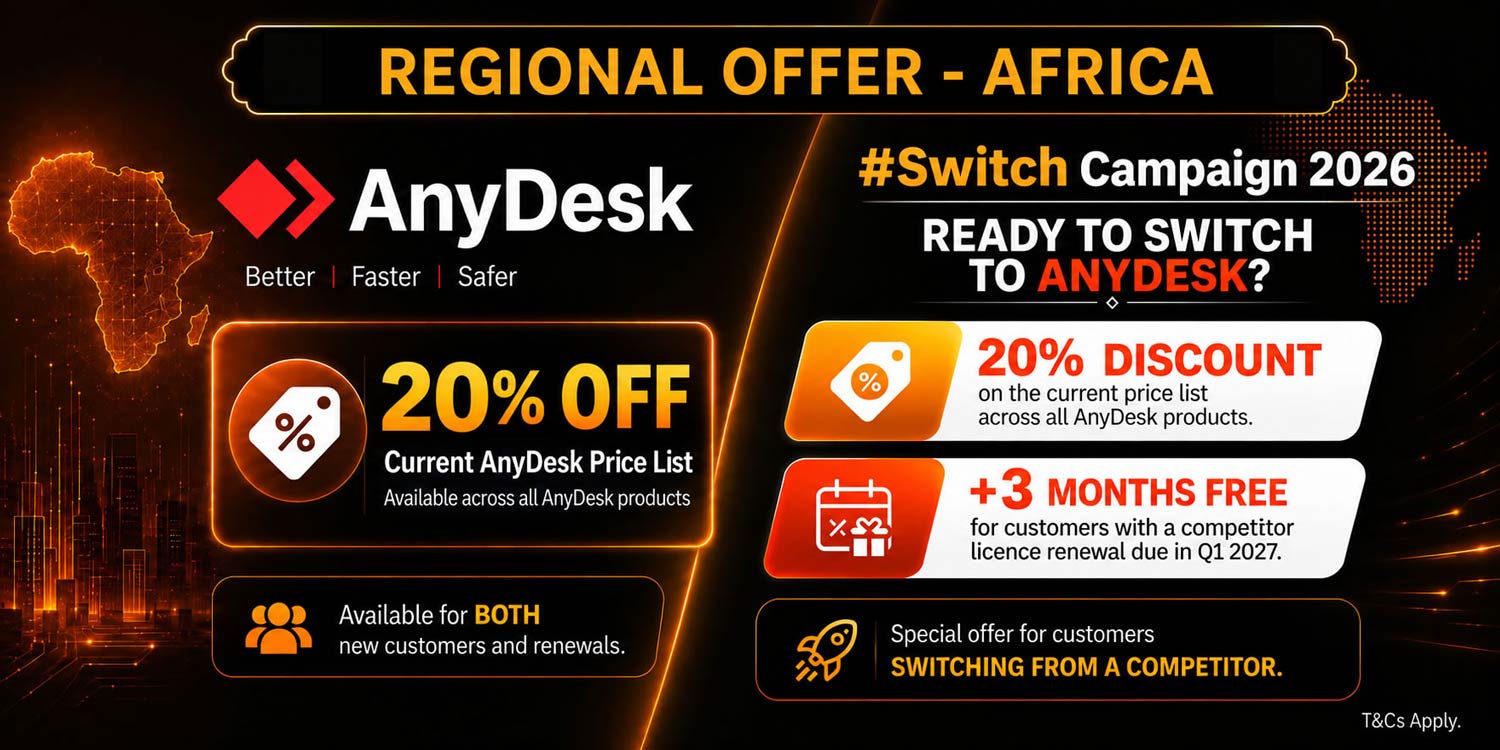
Avert ITD: your trusted AnyDesk partner in Africa
For businesses in South Africa and throughout the African continent, Avert ITD is your dedicated partner for AnyDesk solutions.
As the official distributor for AnyDesk in Africa, Avert ITD offers more than just software licensing. It provides full-service support – from solution design and deployment to training, integration and ongoing technical assistance.
Its local expertise means African businesses get tailored advice and reliable service, whether they’re adopting AnyDesk for the first time or scaling it across multiple teams and regions. With Avert ITD, companies can make full use of AnyDesk while staying aligned with regional needs, compliance and infrastructure.
To become an Avert ITD reseller, complete this form or contact sales on +27(0)10-007-4430 (Johannesburg) or +27(0)21-007-2655 (Cape Town), or e-mail [email protected]. Find Avert ITD on LinkedIn or send us a message on WhatsApp.
About AnyDesk
AnyDesk is a global remote access and remote support platform used by organisations of all sizes. The solution enables secure, high-performance remote connectivity across desktops, servers, mobile devices and cloud environments while providing enterprise-grade security, flexible deployment options, and comprehensive management capabilities.
About Avert IT Distribution
Avert IT Distribution is a specialised African value-added distributor focused on cybersecurity, remote access, infrastructure software and managed services technologies. Through strategic vendor partnerships and a strong reseller network, Avert IT Distribution helps managed service providers, resellers and enterprise customers accelerate digital transformation while building sustainable growth opportunities across Africa.
- Read more articles by Avert IT Distribution on TechCentral
- This promoted content was paid for by the party concerned